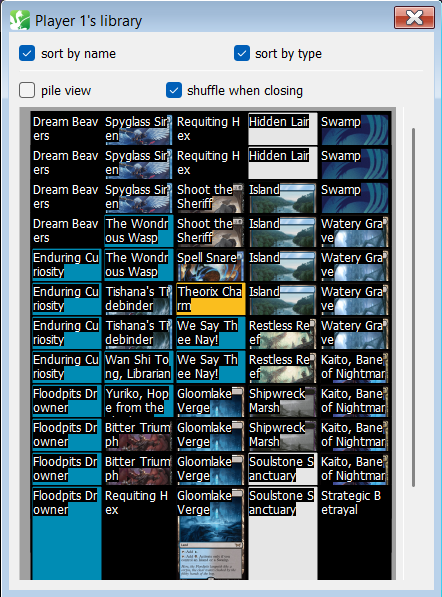
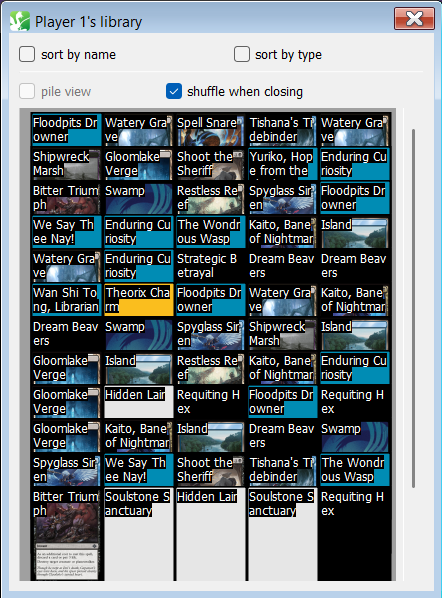
Right now, if you search your deck with an effect, the cards are displayed in order as they appear in the deck. However, it is often more convenient to have them be sorted instead when you’re trying to figure out what has been Prized. For example, if I play 4 copies of a particular Pokémon and haven’t drawn any of them yet, and during a deck search I see that there are only 3 copies of that Pokémon in the deck, I’ll know that the fourth is Prized. If the deck is sorted instead, I can easily see that I have 3 copies of that Pokémon, since they’ll appear together.
PTCGL does this automatically for you; see screencap below showing some cards in the deck sorted by type (Pokémon Tool > Stadium > Energy) during a search. In fact, the game enforces this sorting upon you, whether you like it or not; there is no option to view the unsorted deck.
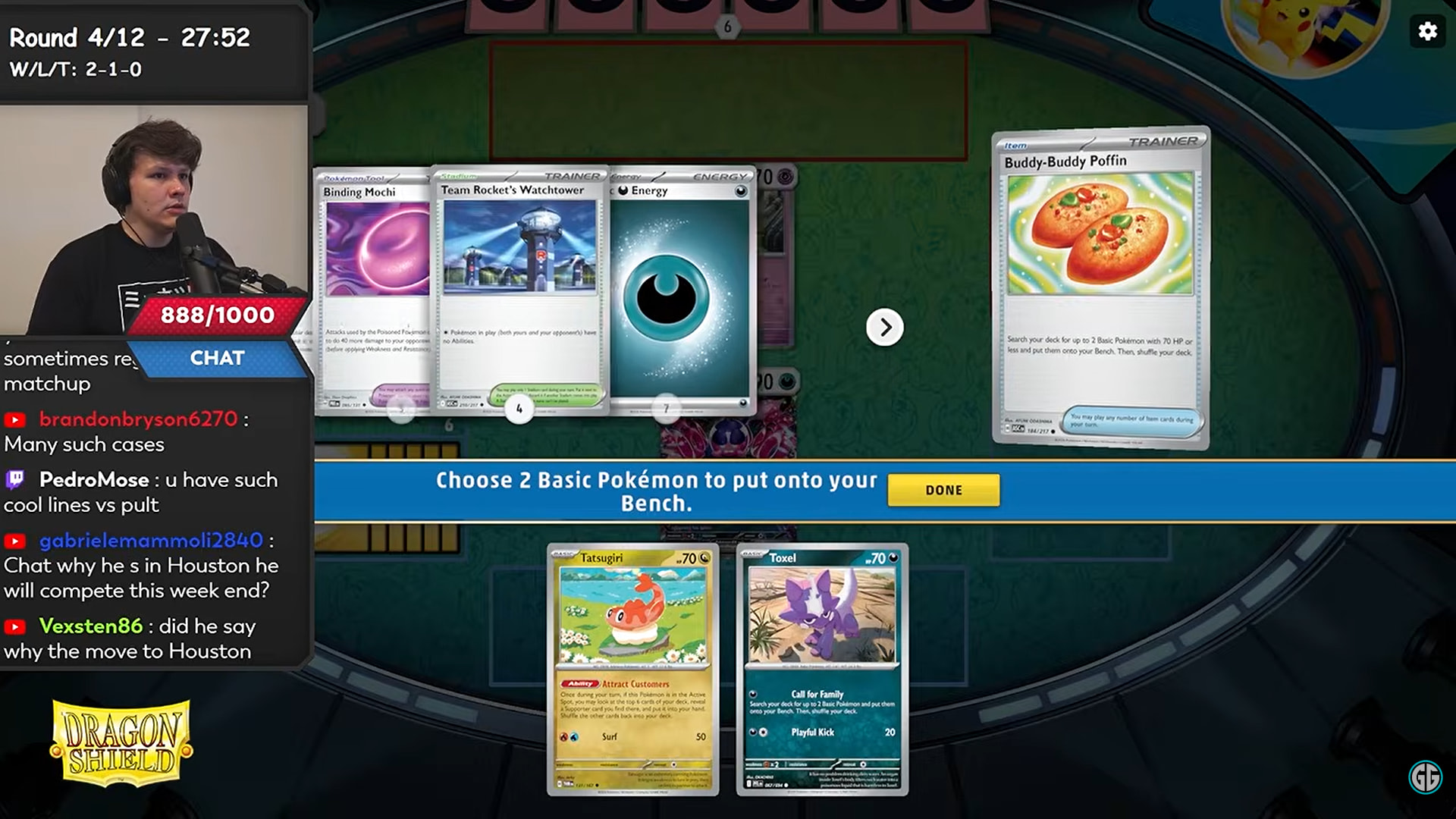
In the physical TCG, players are allowed to rearrange cards in their decks while searching it. Here is an example from event coverage; the Dragapult player moves all his Pokémon to the front of his deck during a deck search so he can figure out which Pokémon he’s Prized.
As for which attributes to sort by, ideally it would be by name, then Evolution line (if possible), then card type (Pokémon > Trainers > Energy), in that order, and the sorting algorithm used should be stable. Remember, the goal is to have duplicate cards appear together, so the player doesn’t have to hunt them down one by one when looking through their deck.